
The chrome aw snap error indicates that a specific tab's rendering process has crashed, usually caused by memory exhaustion, conflicting third-party extensions, corrupted cache, or security software blocking page execution. When this happens, google chrome halts the webpage to protect your system from further instability. In most cases, you can resolve the issue immediately by clearing corrupt temporary cache, closing background tabs, or isolating faulty add-ons.
Common Crash Error Codes and What They Mean
Modern browser architectures run each tab in an isolated sandbox process. When that process encounters an unhandled exception, Chrome displays the "Aw, Snap!" screen accompanied by a specific subcode. Diagnosing this error code helps determine the correct fix.
| Error Code | Primary Cause | Recommended Action |
|---|---|---|
STATUS_ACCESS_VIOLATION | Software or extension attempted to access unauthorized memory space. | Disable script blockers, update GPU drivers, or toggle hardware acceleration. |
Out of Memory | System or 32-bit tab memory limit reached due to heavy web apps or leaks. | Close unused tabs, enable Chrome Memory Saver, or expand system paging file. |
RESULT_CODE_HUNG | Webpage script entered an infinite loop or stalled processing. | Force-terminate the tab via Chrome Task Manager and refresh. |
STATUS_INVALID_IMAGE_HASH | Antivirus or third-party DLL injection failed Chrome's Code Integrity check. | Whitelist Chrome in security software or disable Renderer Code Integrity. |
Step-by-Step Fixes for Chrome Page Crashes
1. Force Reload and Purge Corrupted Web Cache
Temporary assets and cached scripts can become corrupted during interrupted downloads, leading directly to rendering failures.
- Perform a hard refresh by pressing Ctrl + F5 (Windows) or Cmd + Shift + R (Mac).
- To purge site data completely, press Ctrl + Shift + Delete, select Cached images and files and Cookies and other site data for the "All time" range, then click Clear data.
2. Isolate Conflicting Extensions in Incognito Mode
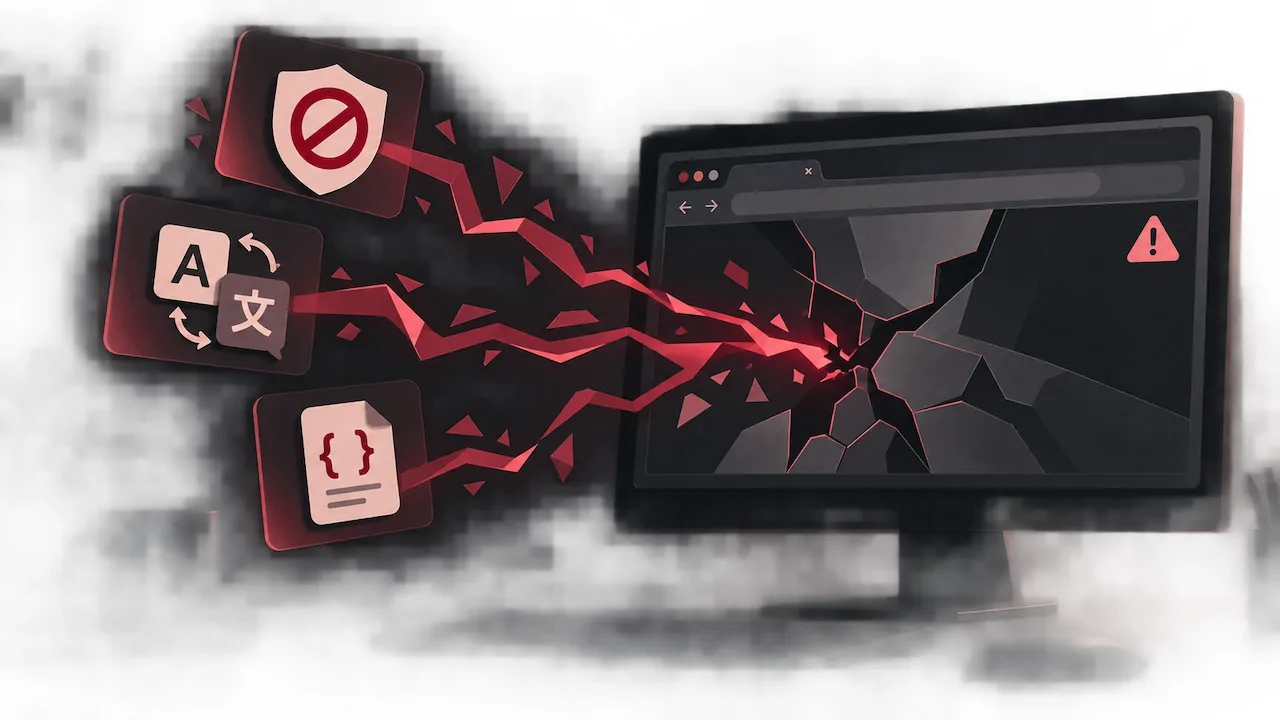
According to technical discussions across developer forums like Reddit and Chromium Bug Tracker, aggressive ad blockers, translation tools, and user-script managers are the leading triggers of STATUS_ACCESS_VIOLATION errors.
- Open a new Incognito window (Ctrl + Shift + N) and load the problematic URL.
- If the page loads without crashing, an extension is the culprit.
- Navigate to
chrome://extensions/, disable all extensions, and re-enable them one by one to pinpoint the offending tool.
3. Check for Antivirus and Security Sandbox Conflicts
Third-party antivirus suites with real-time web protection sometimes inject dynamic link libraries (DLLs) into Chrome's renderer process. If Google Chrome's built-in sandbox detects unauthorized process hooking, it terminates the tab to prevent potential exploits.
Review your endpoint protection software (e.g., Bitdefender, Kaspersky, or Malwarebytes) and ensure Chrome's installation directory is whitelisted, or temporarily toggle off deep SSL scanning features to verify compatibility.
4. Create a Fresh Chrome User Profile
A corrupted user profile directory can cause persistent crashes across all websites. Resetting the profile generates clean configuration files without removing your Google account sync data.
- Close all Chrome instances completely via Task Manager (Ctrl + Shift + Esc).
- Press Win + R, paste
%LOCALAPPDATA%\Google\Chrome\User Data\, and press Enter. - Locate the folder named Default and rename it to Default_Backup.
- Relaunch Chrome. A clean Default profile folder will be created automatically.
5. Adjust Hardware Acceleration and Reinstall if Necessary
Outdated graphics drivers can cause the GPU process to crash repeatedly. You can test this by navigating to chrome://settings/system and turning off Use graphics acceleration when available.
If file corruption runs deeper within the core application binaries, obtain a fresh build via an official chrome download and reinstall the browser to replace damaged system files.
FAQ
Why does Google Chrome keep showing "Aw, Snap!" on every website?
When every website crashes universally, the issue is typically system-level: corrupted profile data, interference from antivirus software hooking into Chrome's sandbox, or damaged installation binaries rather than a single webpage script error.
How do I fix the Out of Memory error code in Chrome?
To fix page crash chrome issues caused by memory limits, close unnecessary background tabs, navigate to chrome://settings/performance to turn on Memory Saver, and consider increasing your operating system's virtual memory (pagefile) allocation.
What does error code STATUS_ACCESS_VIOLATION mean?
This code indicates that browser code attempted to read or write to a protected memory address without permission. It is commonly triggered by buggy extensions, outdated graphics drivers, or unstable RAM overclock profiles.
Will resetting my Chrome profile delete my bookmarks and passwords?
If you have Chrome Sync enabled, your bookmarks, history, and passwords remain securely saved to your Google Account and will automatically restore once you sign back in to the new profile.